Safe, friendly learning for Aussie kids
When learning feels fun, kids don't want to stop.
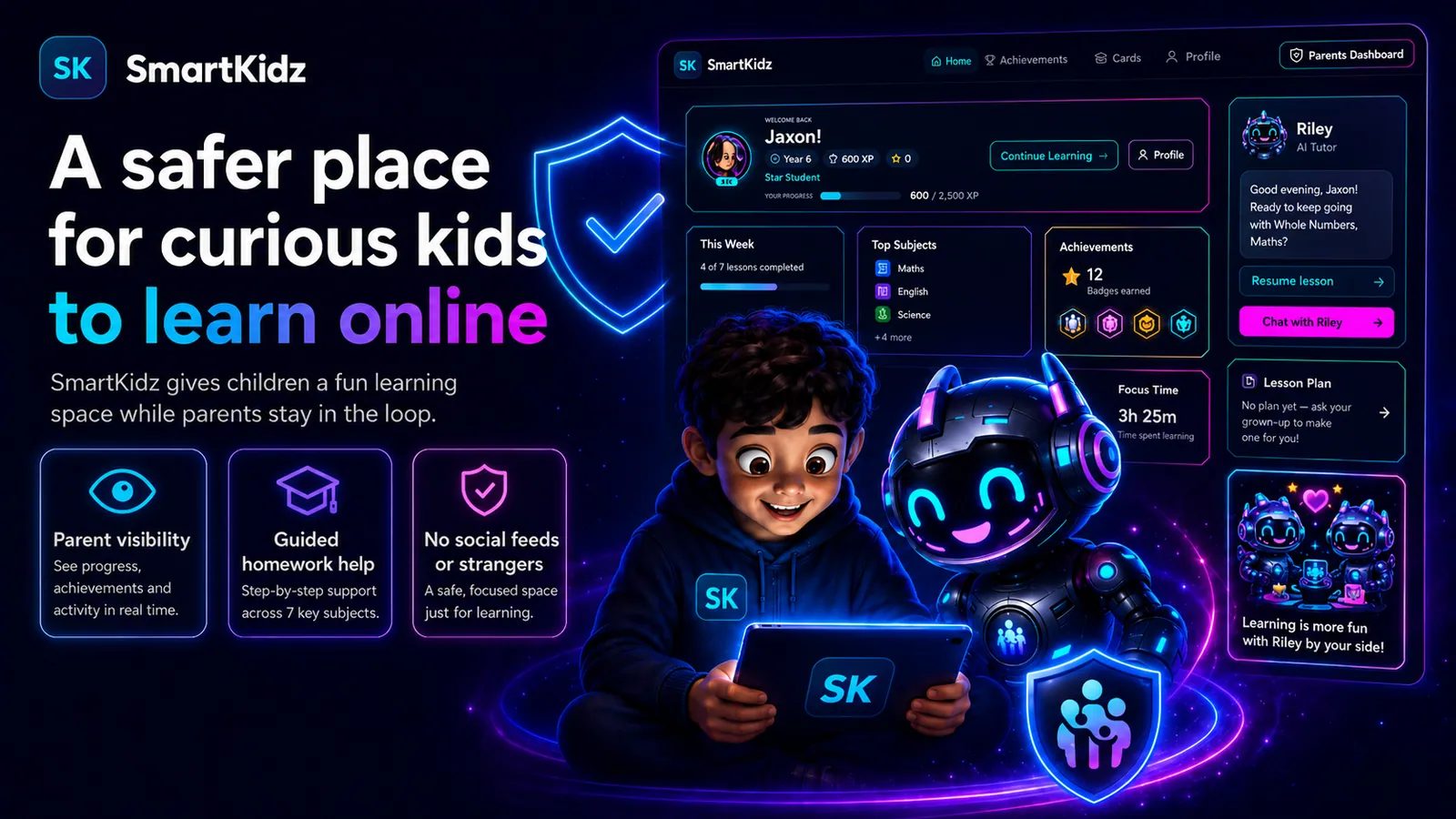
SmartKidz gives children one safe, friendly learning companion. Riley understands their Australian Curriculum context, teaches the idea, guides practice and helps with homework while confidence grows.
14-day free trial · No credit card required · Cancel anytime
Built by a parent who wanted better help at home

Hi, I'm Zac, the creator of SmartKidz.
Like a lot of Aussie parents, I felt like my kids were falling a bit behind. When it came to supporting them at home, I often found it hard to explain things in a way that actually helped. I would sometimes end up giving them the answer out of frustration, because I’m not a teacher and teaching kids is not my strongest skill.
I wanted to use the technology available to us to build something that could help my kids learn and grow at home. I wanted them to feel supported when they needed help, work through homework and extra learning with more confidence, and have a friendly helper they could talk to when they were stuck.
That is how SmartKidz was born.
I have spent the past 10 months developing this platform to help my own kids, and now I hope it can help yours too.
My kids may be biased, but they love using SmartKidz. I hope your kids love using it too.
Zac, founder of SmartKidz
Safety has been built into SmartKidz from the start
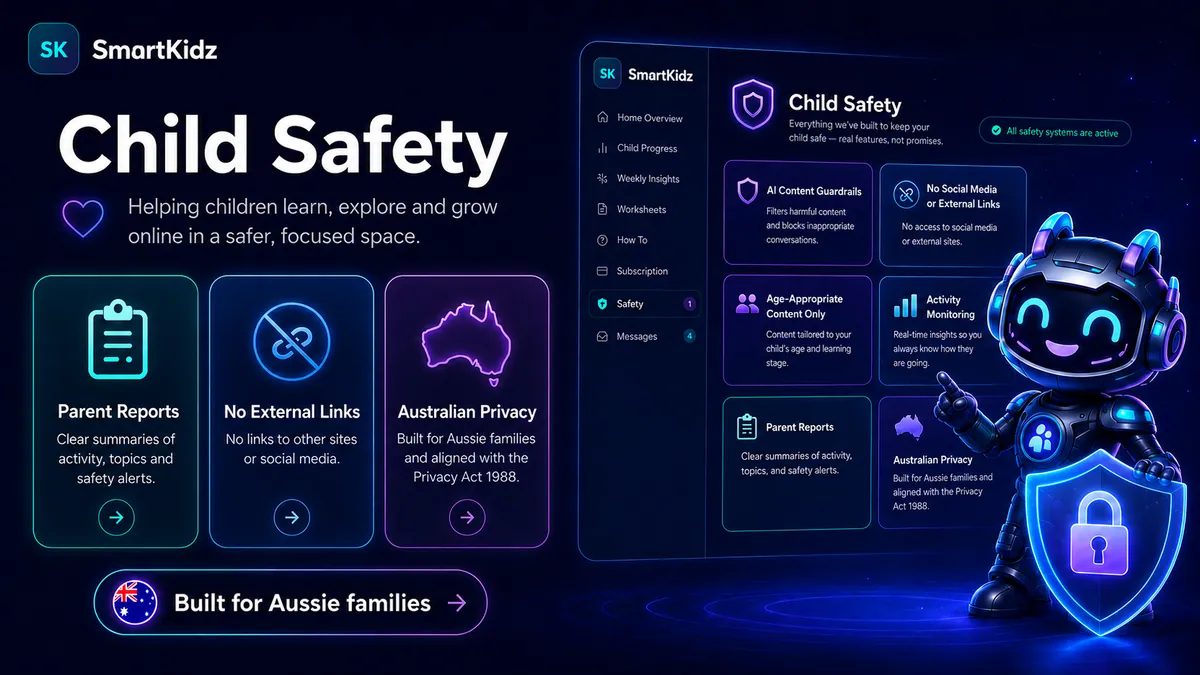
Your child’s safety has been my top priority from the very first day of building SmartKidz.
Plenty of platforms say they are safe, but it does not always feel that way in practice. Riley, the SmartKidz learning buddy, uses AI to talk with children, and because AI is not perfect I have spent a great deal of time researching and building safeguards to make SmartKidz a genuinely safer place for children to learn at home.
Several layers of protection work quietly in the background. They guide children back to learning, block inappropriate conversations, and flag anything concerning, so you can always see how your child is using Riley.
Riley helps wherever it can. But the moment a question is not appropriate, or drifts away from learning, Riley gently steers the conversation back on track.
You can explore every safety feature in detail from the Safety section of your Parent Dashboard.
What parents are saying
My son used to argue with me every single night about homework. Two weeks in and he just opens SmartKidz himself. I don’t know what Riley said to him but it’s working.
We tried a few of these apps and they all got ignored after the first week. SmartKidz is the first one my daughter actually goes back to. She likes that Riley doesn’t just give her the answer.
I’m not great at explaining maths the way they teach it now. Riley gets it right every time. It’s taken a lot of pressure off me at homework time.
My kids are on screens constantly anyway. At least now some of that time is actually useful. The parent dashboard is really handy too, I can see exactly what they’ve been doing.
My daughter is in Year 3 and was struggling with spelling. She’s been using SmartKidz for about a month and her teacher noticed the improvement before I even mentioned it.
How does SmartKidz help my kids?
Riley gives your child one clear place to start learning.
Riley can teach across the seven Australian Curriculum learning areas, practise spelling, work through parent worksheets, guide homework and answer curiosity questions without sending your child through a catalogue of separate tools.
The learning content is created to match what children are learning at school. SmartKidz references the Australian Curriculum v9.0, helping keep the experience aligned with the curriculum used across Australian classrooms.
Seven school subjects
The same subjects children learn in the classroom.
Learn Together
Riley teaches any topic for their year, one step at a time, in a guided chat.
Worksheets
Printable and on-screen practice, tailored to your child.
Homework help
Riley guides their thinking instead of handing over answers.
Spelling practice
Interactive spelling that reads words aloud.
Parent progress tracking
See how your child is going, all in one place.
How can I track my child’s progress?
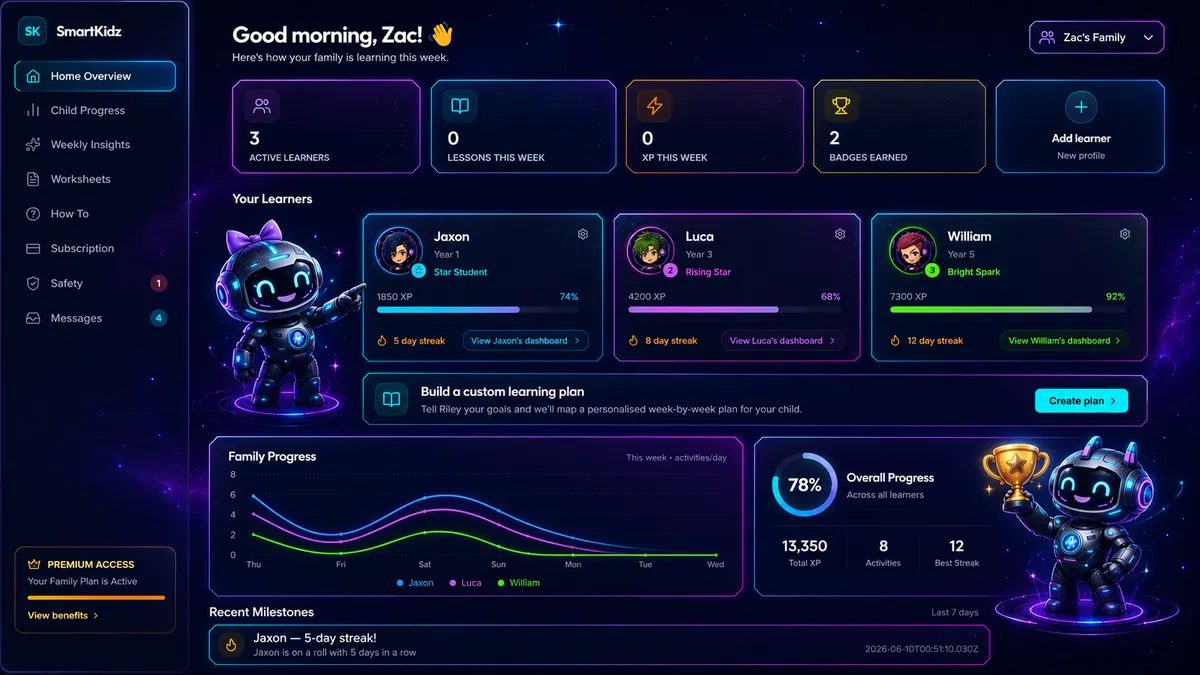
Step 1 of 2
Welcome to your own personal dashboard.
From here, you can add your learners and access the information available to parents so you can track and monitor your child’s progress.
Your child’s own Riley space
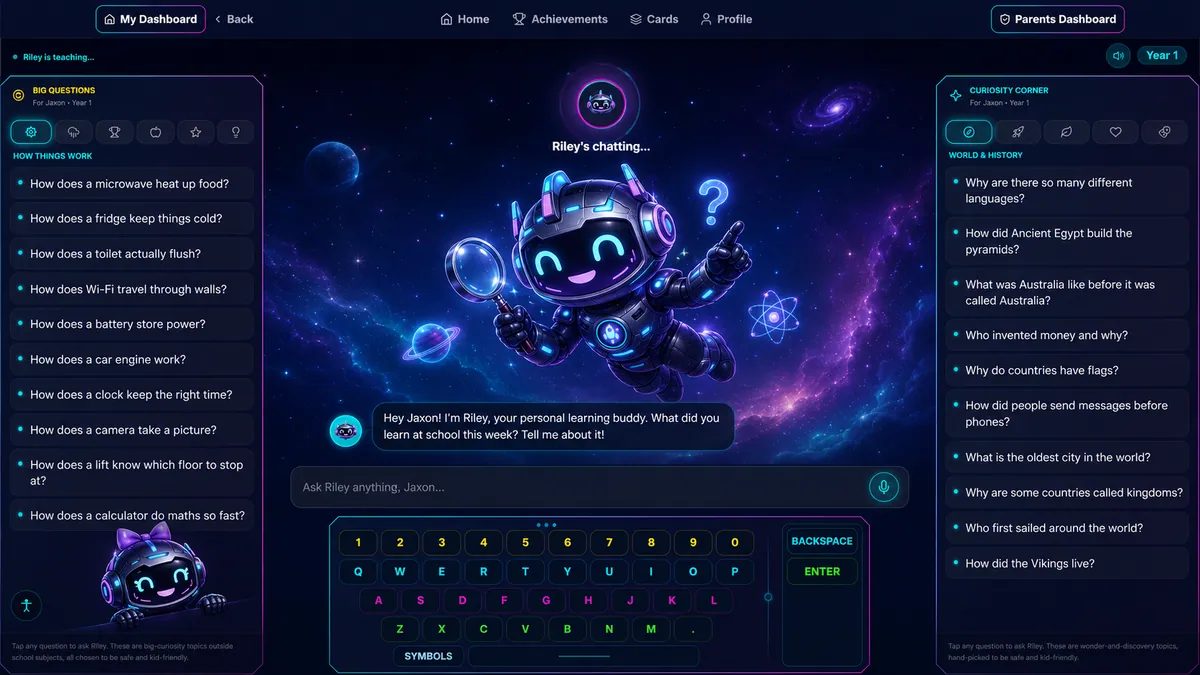
Your child gets their own personal Riley learning space, with the next useful action ready when they arrive.
They can ask Riley to teach, practise one question at a time, get help with homework, work through a parent worksheet, or explore a curiosity, all in the same conversation.
It gives children a friendly space where learning feels easier to start and easier to keep going.
Choose, practise and progress with Riley
Step 1 of 2
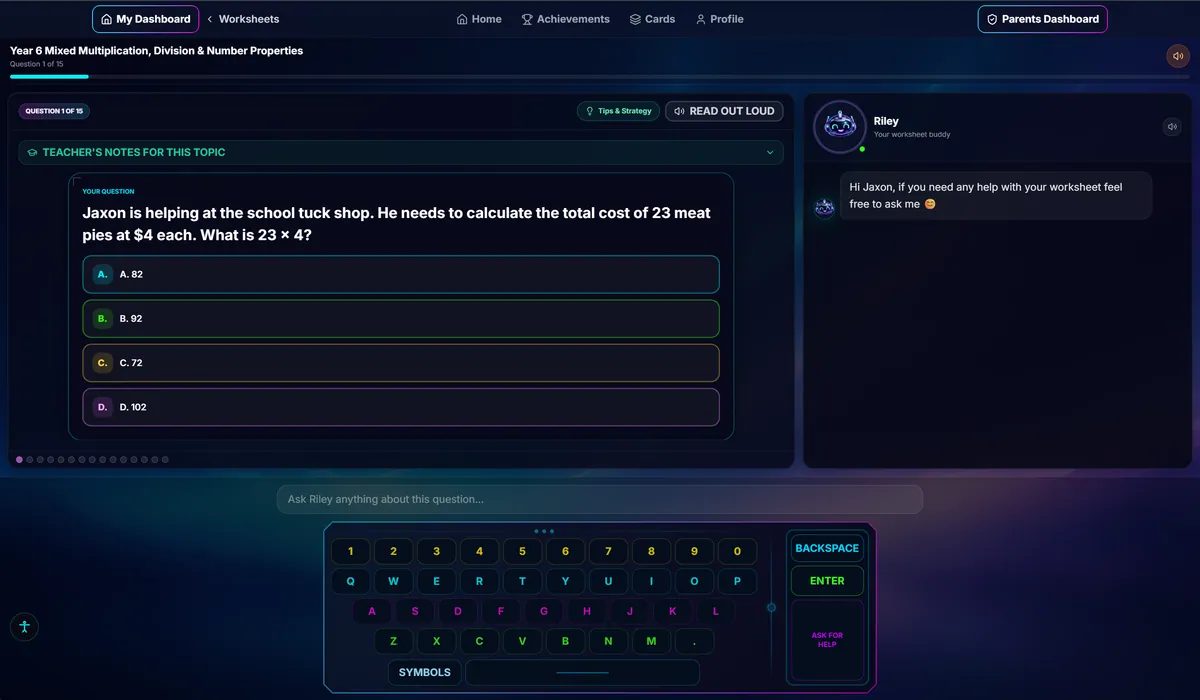
A full worksheet library for their year
Your child can open Worksheets and choose from the Australian Curriculum library for their year level.
Worksheets are grouped by subject, with any assigned or in-progress work kept at the top.
There is no parent setup step and no weekly send limit for child-selected library worksheets.
Spelling with Riley
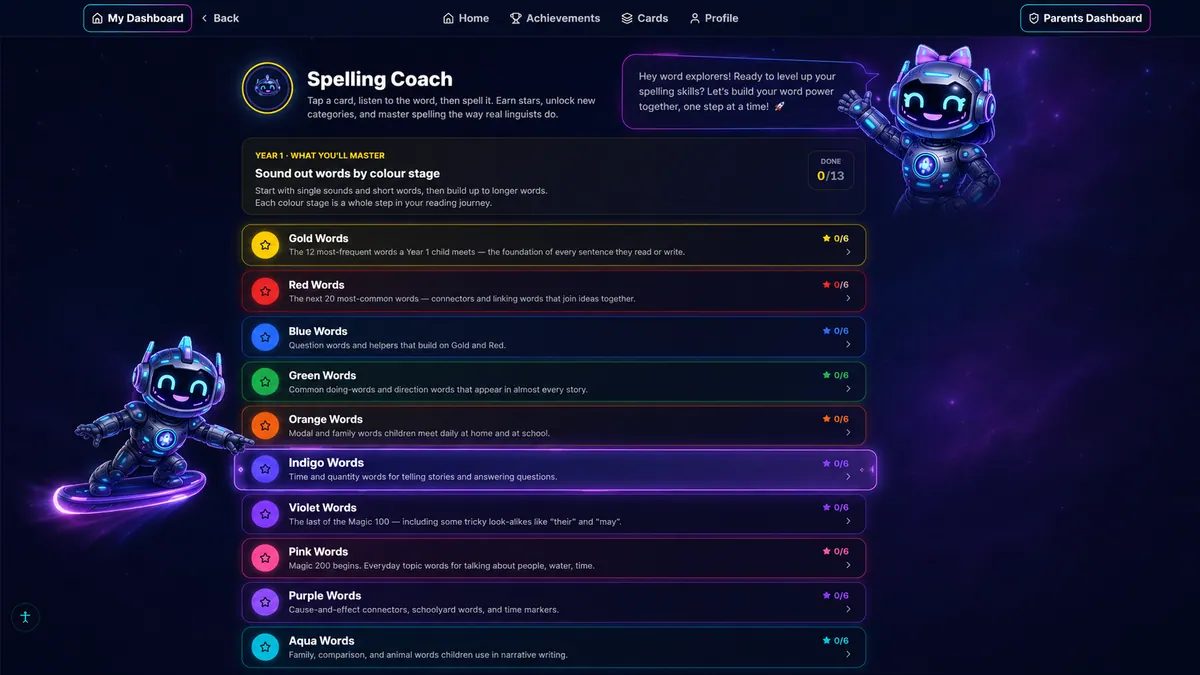
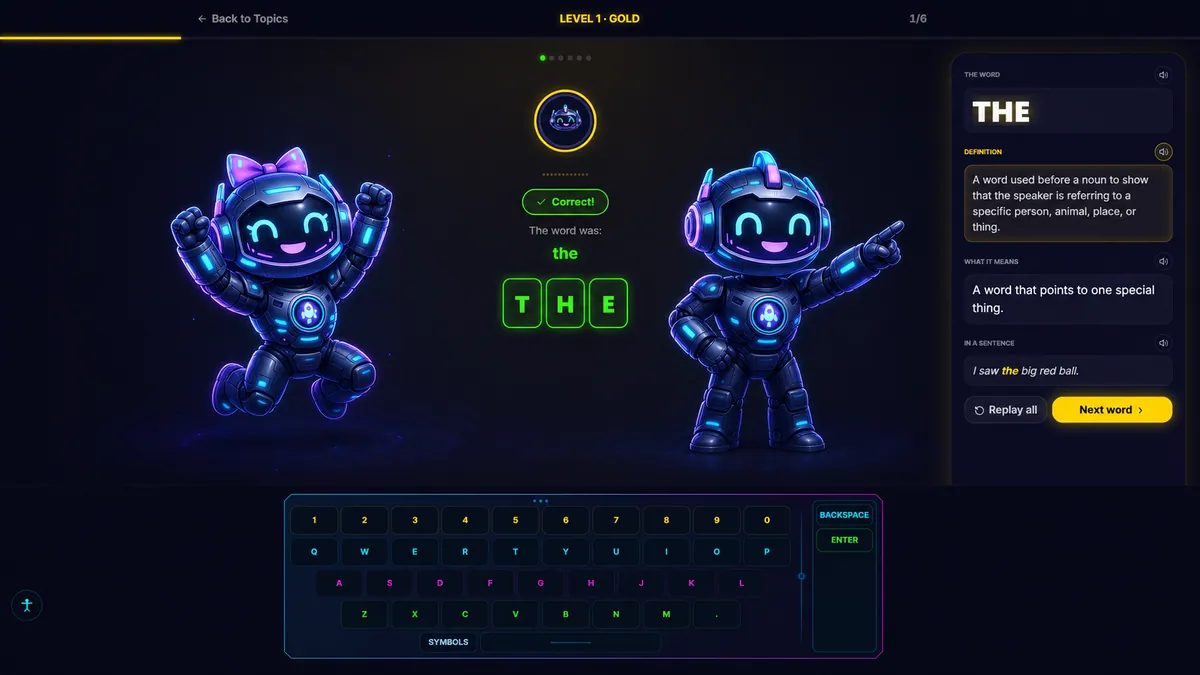
Riley helps children practise spelling in a way that feels interactive and supportive.
Your child can select a spelling area that references their school year level. Riley reads the word aloud, and your child spells it out on screen.
Once they spell the word correctly, Riley reads out information about the word to help your child understand its meaning and how it is used.
Two modes to help your child
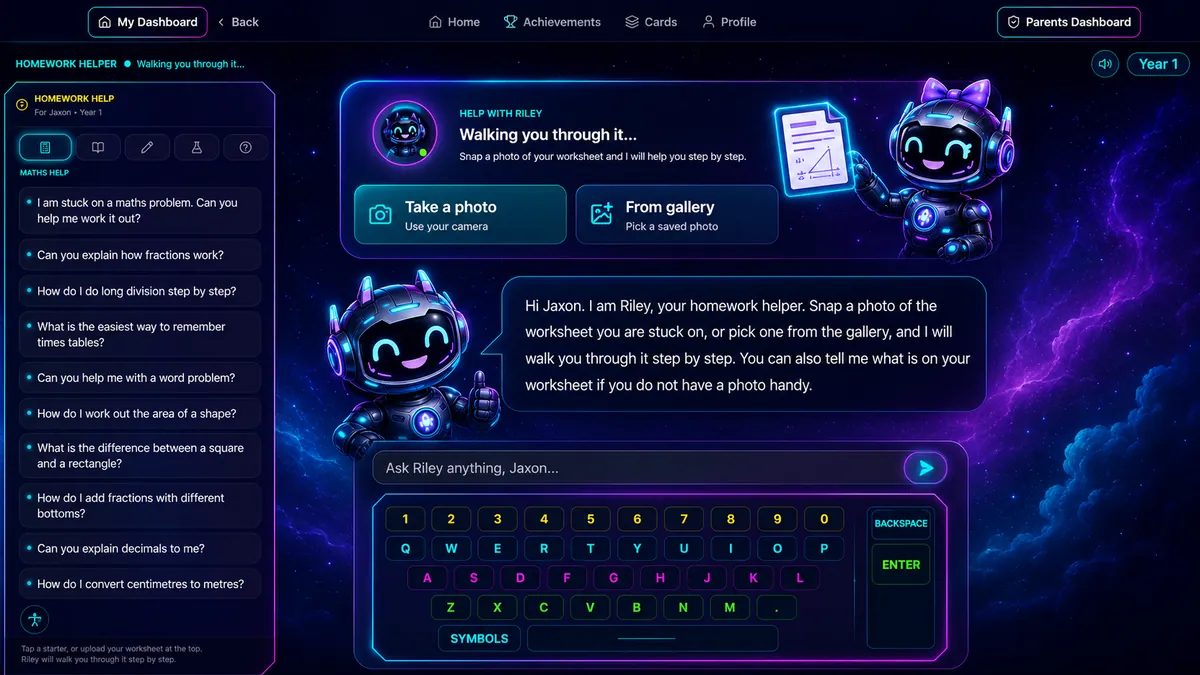
Has your child brought home a homework sheet and needs some help?
They can open Homework Helper and chat with Riley to ask questions. They can also take a photo of their homework sheet, and Riley can guide them through working on it.
Does your child have a curious mind?
They can open Learn with Riley and ask about something they want to understand better. This is also where Riley’s safety features are especially important. Inappropriate questions are not answered, and SmartKidz can flag them so parents have visibility.
Explore the world from home
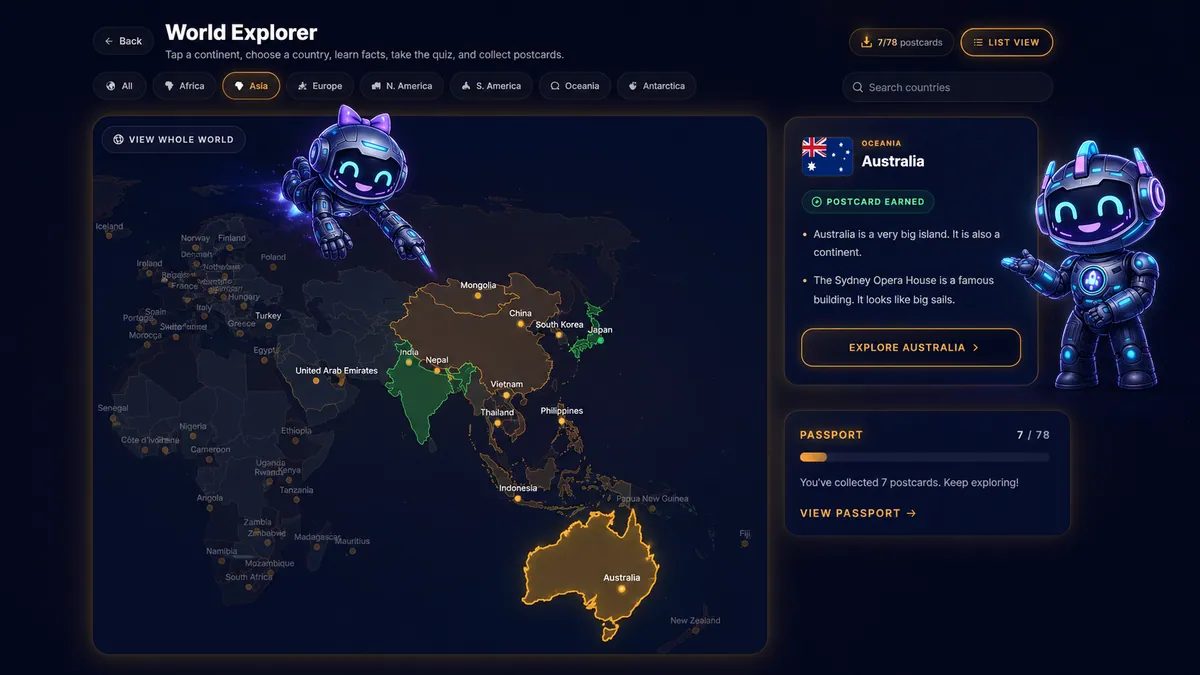
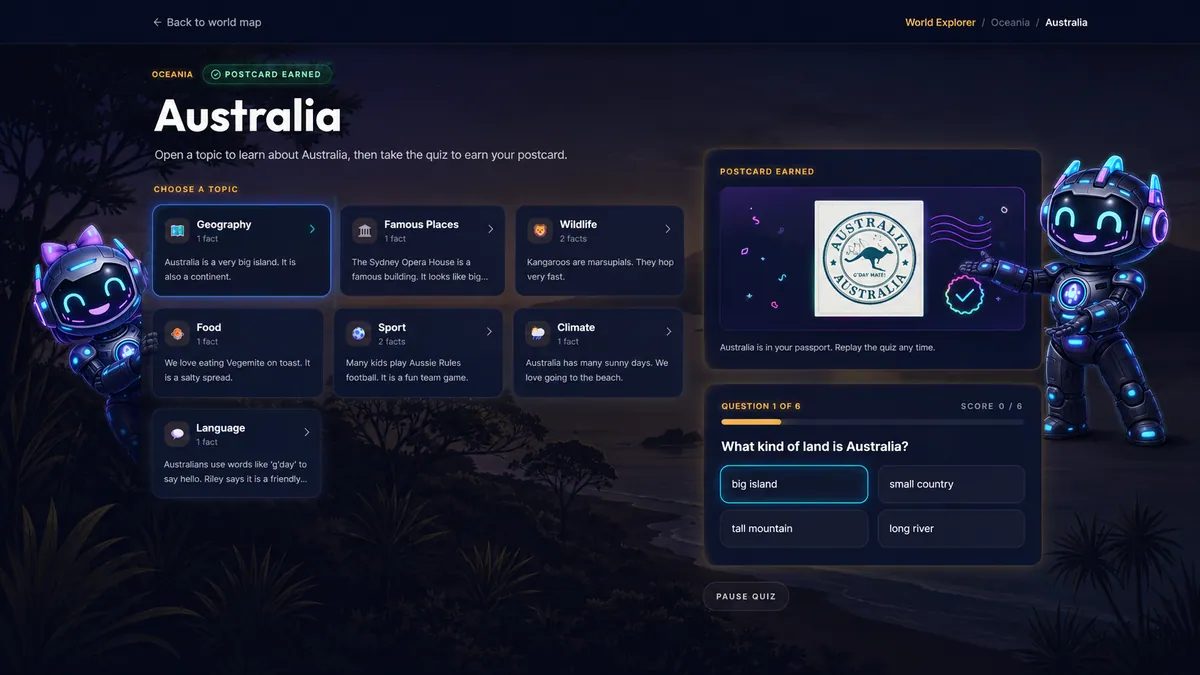
Riley can connect school learning to the wider world, helping your child explore from their computer or tablet.
They can click on a country, learn interesting facts about that place, and then complete a 10-question quiz using the information in front of them.
It is a simple way to help children learn about other countries, cultures, places, and the wider world.
Ready to start your kids on their SmartKidz adventure?
14 days full access. No credit card required.
What are you waiting for?